Slotly: Personal Task Tracker
Coming soon on Google Play & App Store

Slotly: Make room for the essential.

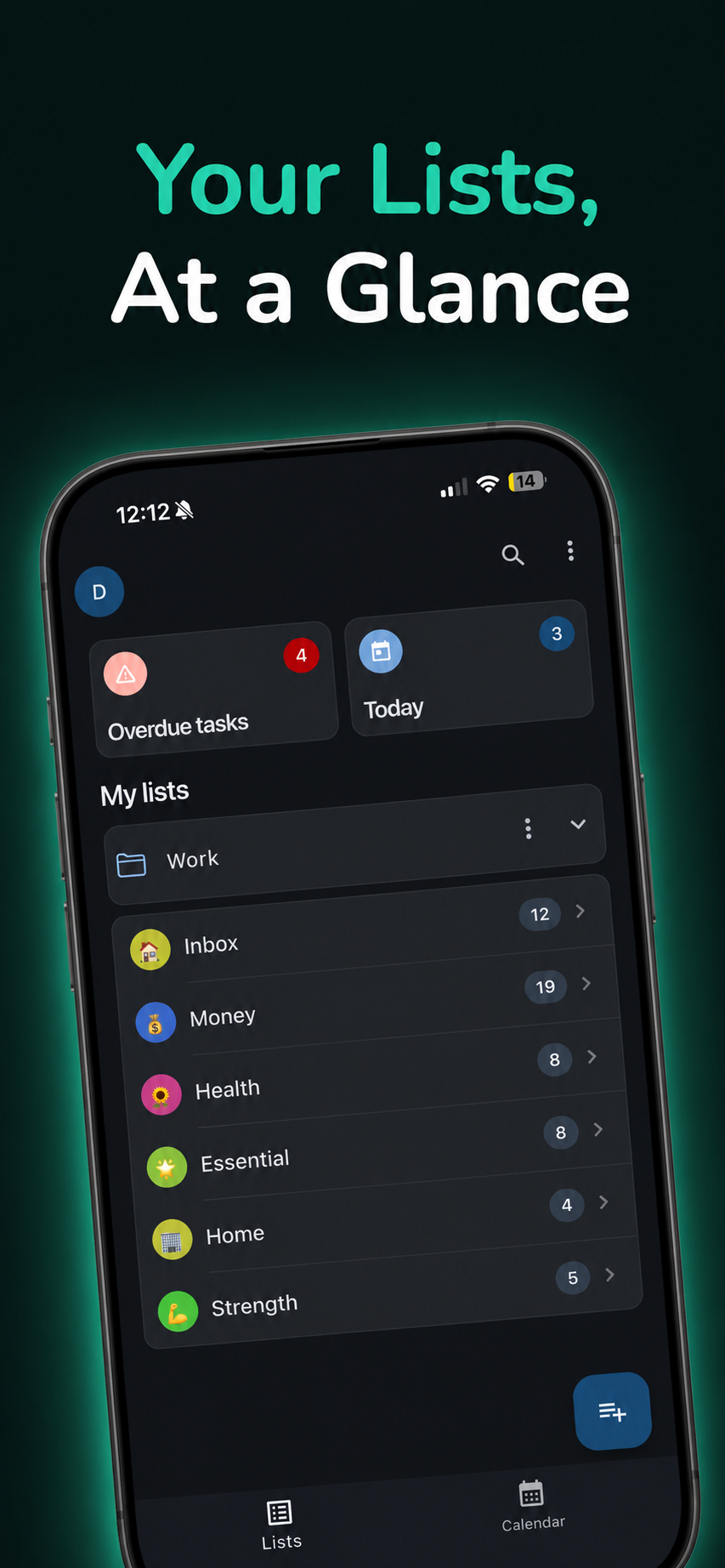
Organize life in nested lists and goals, then drop tasks onto the calendar where they actually happen. Date-bound events stay on the calendar — not mixed into your task lists.

Optional Google Calendar sync is available with Pro, only when you turn it on.

Get early access App Store · Coming soon Google Play · Coming soon Free vs Pro Google Calendar FAQ

Built for structure — and for real days

Four ideas that define Slotly. Everything else is polish.

Hierarchy that bends

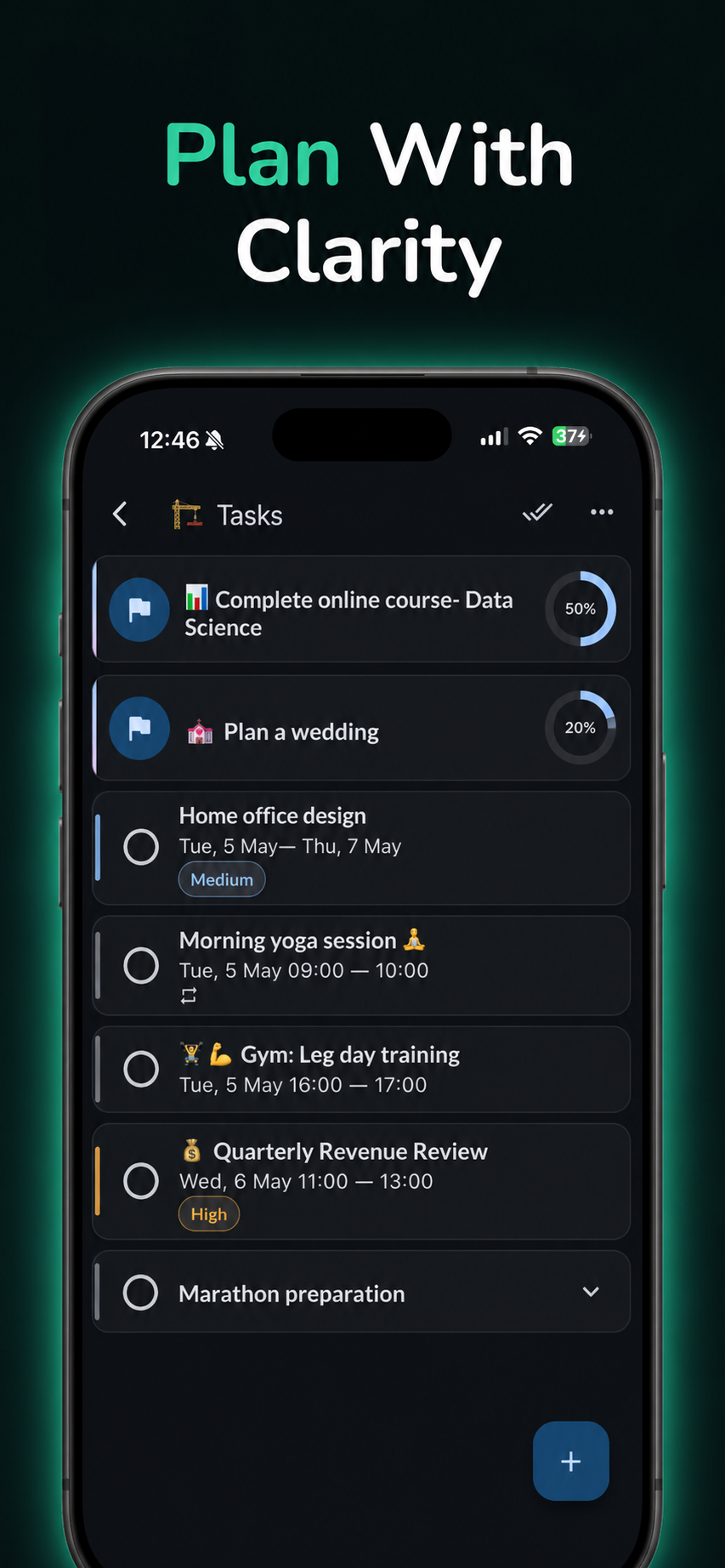
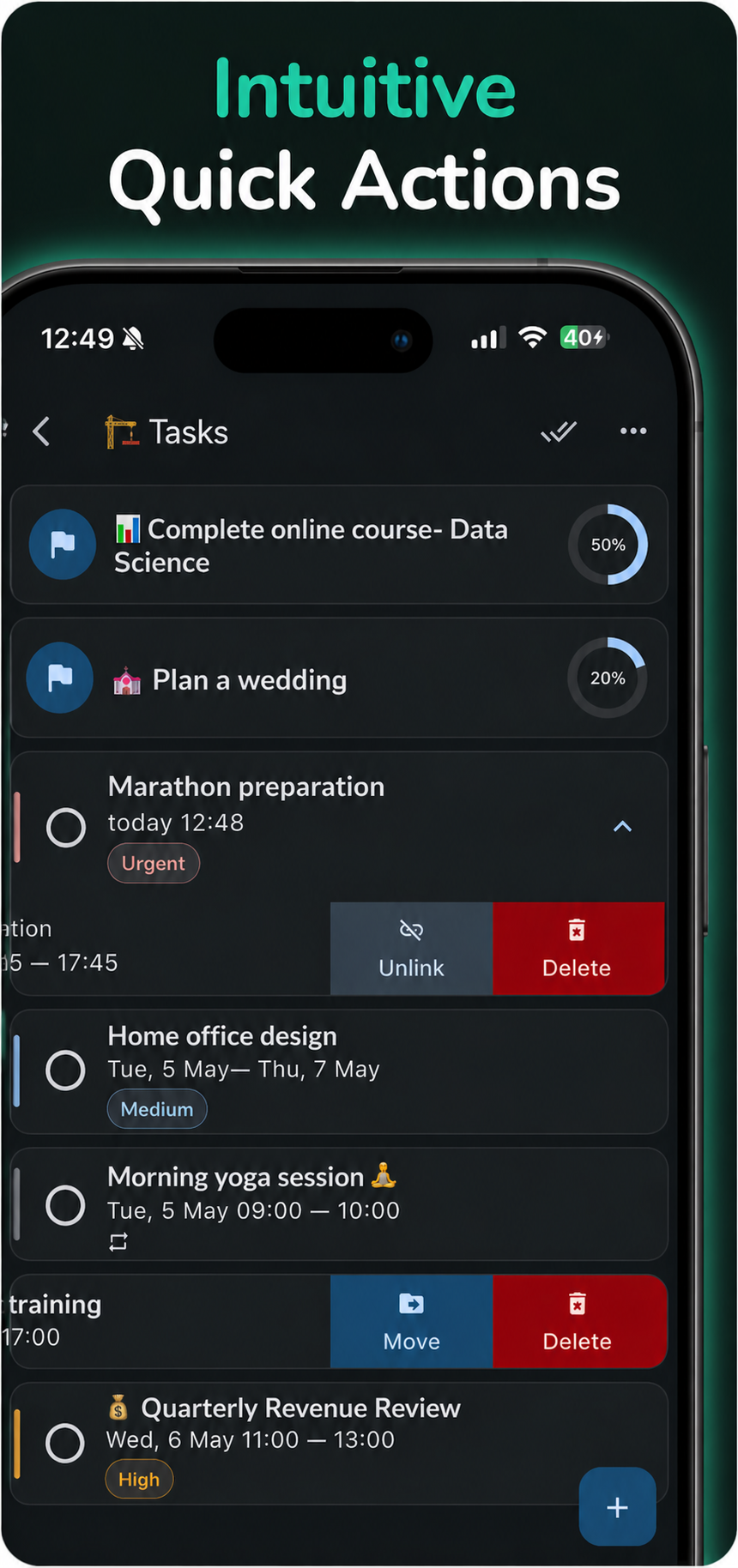
  • List groups, lists, tasks with subtasks, and goals with progress.
  • Drag & drop to reshape: nest, promote, or tuck work under a goal.

Calendar = where the day happens

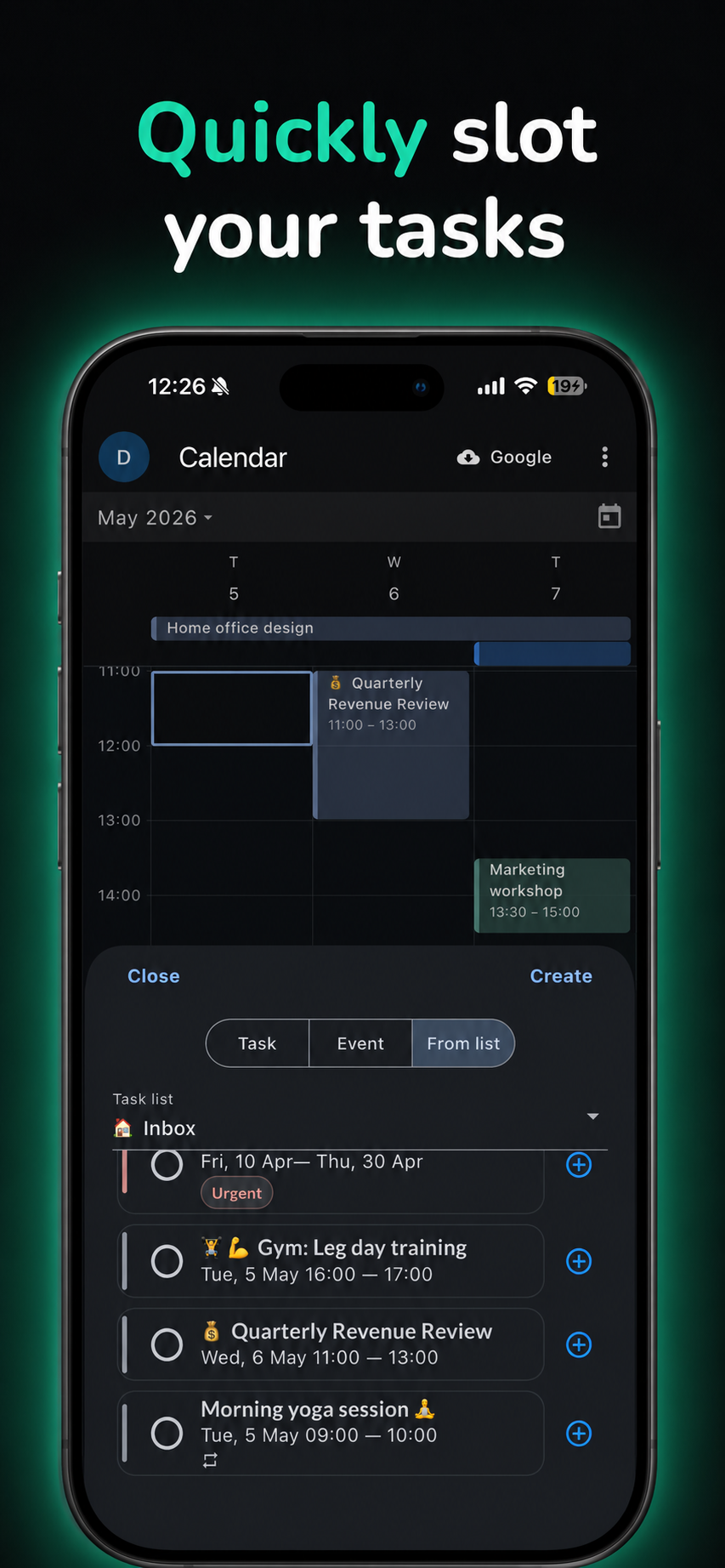
  • Tap a slot, pick a task from any list — it lands on your timeline.
  • Add a fresh task or event without leaving the calendar.

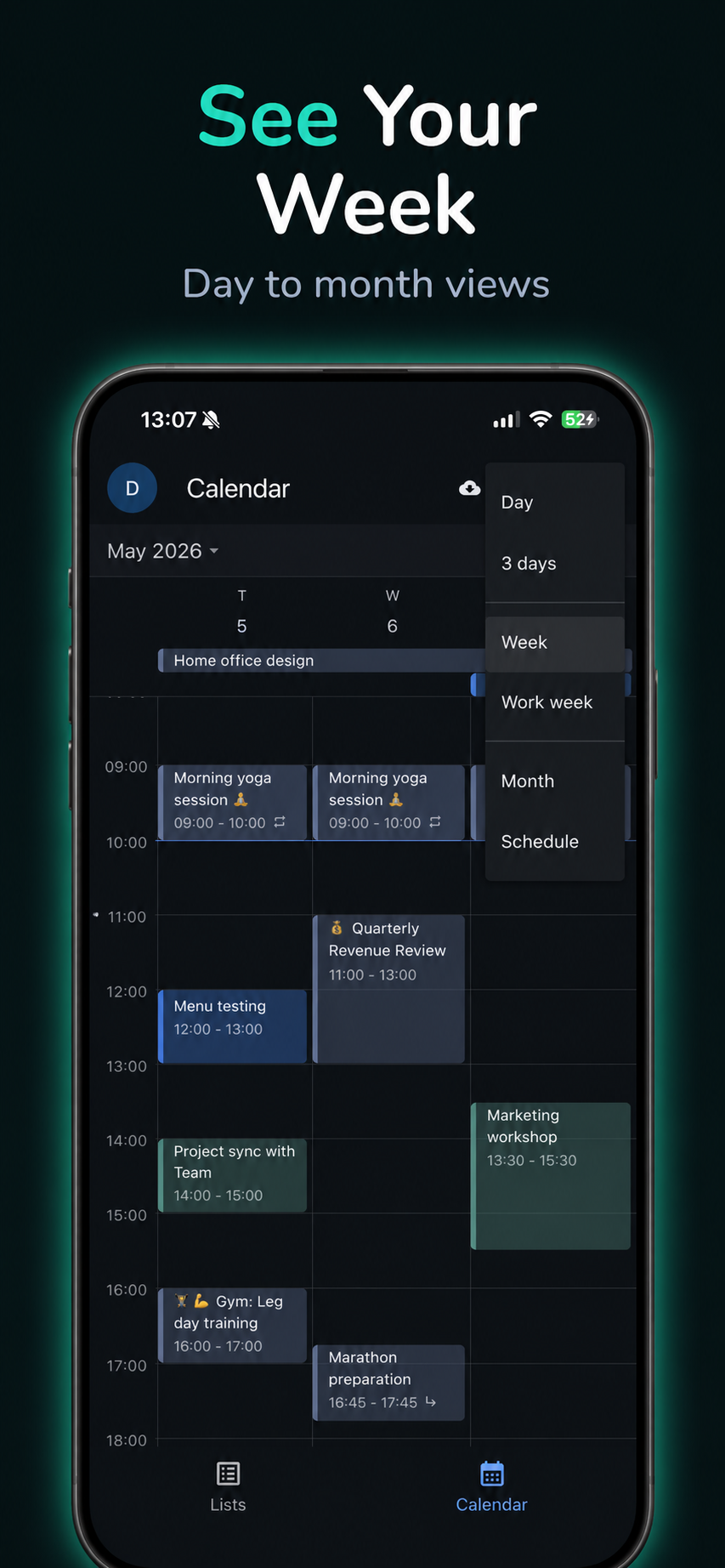
Day · 3-day · Week · Work week views — Pro

Events aren’t fake tasks

  • Birthdays, flights, fixed meetings live as calendar events.
  • Your lists stay focused on work you complete — not noise.

Google when you want it

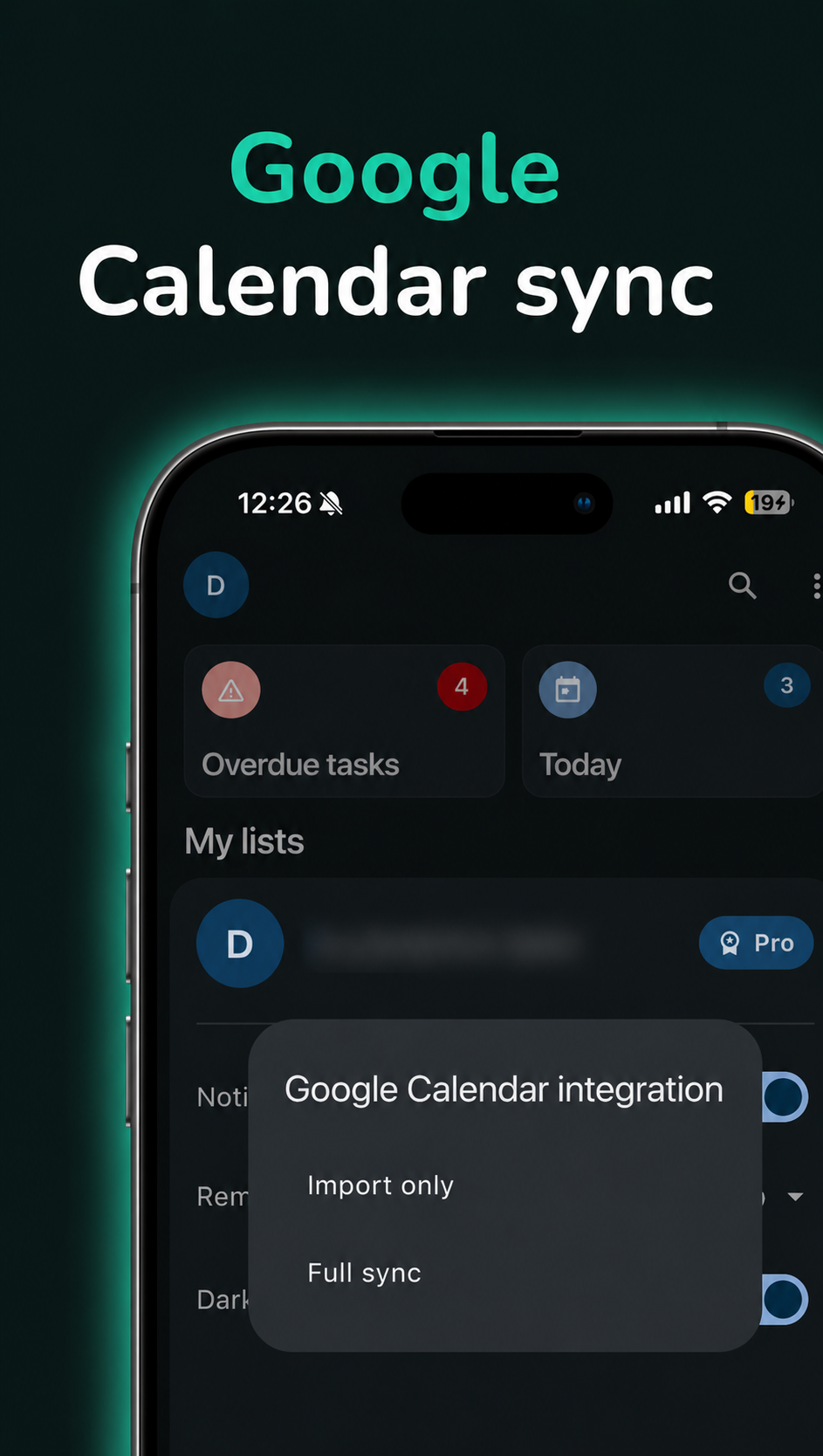
  • Pro: import Google events, or full sync to a calendar named Slotly.
  • Scheduled tasks and events can appear in Google as ordinary calendar items.

Purpose of the application

Slotly is a personal planner for organizing life in nested lists and goals, scheduling tasks into calendar time slots, and keeping time-bound events on the calendar instead of bloating task lists. Some capabilities — wider calendar layouts, cloud sync, and optional Google Calendar — are offered as Pro.

Privacy Policy Google Calendar is optional and user-controlled.

Google Calendar (optional · Pro)

  • You enable it yourself — never required for lists, tasks, goals, or events.
  • Import only: pull Google events into Slotly for context.
  • Full sync: also writes to a dedicated Google calendar Slotly (scheduled tasks + events).

Slotly only accesses your Google Calendar to sync tasks you choose to schedule. We do not use this data for any other purposes.

Details: Privacy Policy

Pick your pace

Start free and serious. Upgrade when you want tighter calendar layouts, sync everywhere, or Google.

Free

Powerful organization on your phone.

  • List groups, lists, tasks & subtasks, goals, drag & drop
  • Calendar — Month & Schedule views
  • Create tasks & calendar events
  • Private by default — stays on your device
Pro

For people who live across devices — and calendars.

  • Extra layouts: Day, 3-day, Week, Work week
  • Cloud sync — same Slotly on every device
  • Optional Google Calendar (import or full sync)

Slotly is freemium — you’re never forced into Google or subscriptions to plan your week.

FAQ

Is Slotly available in stores?

Not yet. Slotly is preparing for release on Google Play and the App Store. You can request early access by email.

Can I use Slotly without an internet connection?

Yes. Slotly is built to work fully offline for lists, goals, the calendar, tasks, and events stored on your device — a strong fit if you care about privacy and focus. Network access is only relevant when you choose online features such as Pro cloud sync or optional Google Calendar integration.

Do I need to connect Google Calendar?

No. Slotly works fully offline for lists, tasks, goals, events, and local calendar planning. Google Calendar integration is optional, requires you to enable it, and is available with Pro.

What does Slotly do with my Google Calendar data?

With Pro integration enabled, import pulls Google events into Slotly for planning context. With full sync, Slotly also writes to a dedicated Google calendar named Slotly, where scheduled tasks and calendar events appear as Google Calendar events. Slotly does not use Google Calendar data for advertising.

What’s included in Free vs Pro?

See Pick your pace — two columns, plain language.

How can I delete my account and data?

You can request account deletion from the dedicated page. See Delete account.